Most people do not need a new gadget to use artificial intelligence in 2026. If you own an Android phone, you already have access to several AI apps that can write, answer questions, plan meals, and sort through long documents. The hard part is choosing which app fits your daily life. This guide is written for normal people who want practical help, not technical theory. If you are new to AI, start with our beginner walkthrough on how to use AI in daily life. We tested five popular Android apps using everyday tasks like drafting emails, explaining a warranty, and planning a week of dinners.
For this comparison, we installed each app on a midrange Android phone and used only the features available after a simple download. We did not assume you know what a large language model is. That phrase simply means software that predicts what words come next based on patterns it learned from huge amounts of text. We paid attention to three things normal people care about: what you can do for free, how confusing the app feels, and whether the monthly price is worth it. Several of these tools also appear in our free AI tools 2026 roundup.
Android is different from other phones because Google builds AI directly into the operating system. Gemini can replace Google Assistant, answer from the lock screen, and see what is on your screen if you allow it. That means many people may already have a powerful AI app without downloading anything new. But third-party apps like ChatGPT and Claude often beat Gemini at writing quality and nuanced answers. Before you grant any app screen access or mic permission, read our AI privacy guide so you know what you are sharing. The right choice depends on which tasks you do most. Every app in this guide has a free tier, and paid plans remove limits but do not always make the answers better.
One pattern became clear during testing. The free versions are enough for short tasks and casual questions. The paid versions matter when you need long documents, image creation, or heavy daily use. For example, ChatGPT Plus and Claude Pro both cost $20 per month as listed on their official pages. We focused on real tasks like drafting emails, summarizing documents, and planning meals, not benchmark scores. Most people should avoid paying until they hit a repeated limit or need image creation. We did not see a reason to pay for occasional questions. That simple rule saved us from wasting money during testing. It works.
How Do the Top Options Compare?
| App | Best For | Free Tier | Paid Plan | Key Limitation |
|---|---|---|---|---|
| ChatGPT | Writing and general help | GPT-4o mini plus limited GPT-4o messages | ChatGPT Plus at $20/month | Free messages run out fast |
| Gemini | Built-in Android assistant | Gemini 2.5 Flash with daily limits | Google AI Pro at $19.99/month | Tight Google app integration |
| Claude | Thoughtful writing and long docs | About 45 messages every 5 hours | Claude Pro at $20/month | No image generation |
| Perplexity | Sourced answers and research | 5 Pro searches every 4 hours | Perplexity Pro at $20/month | Less creative writing |
| Microsoft Copilot | Free OpenAI access and Office | Limited daily boosted responses | Copilot Pro at $20/month | Requires Microsoft account |
Prices are list prices as of early 2026 and may vary by region. Free tier limits change often. Check each app settings before relying on daily limits.
1. ChatGPT: Best for writing, brainstorming, and daily answers
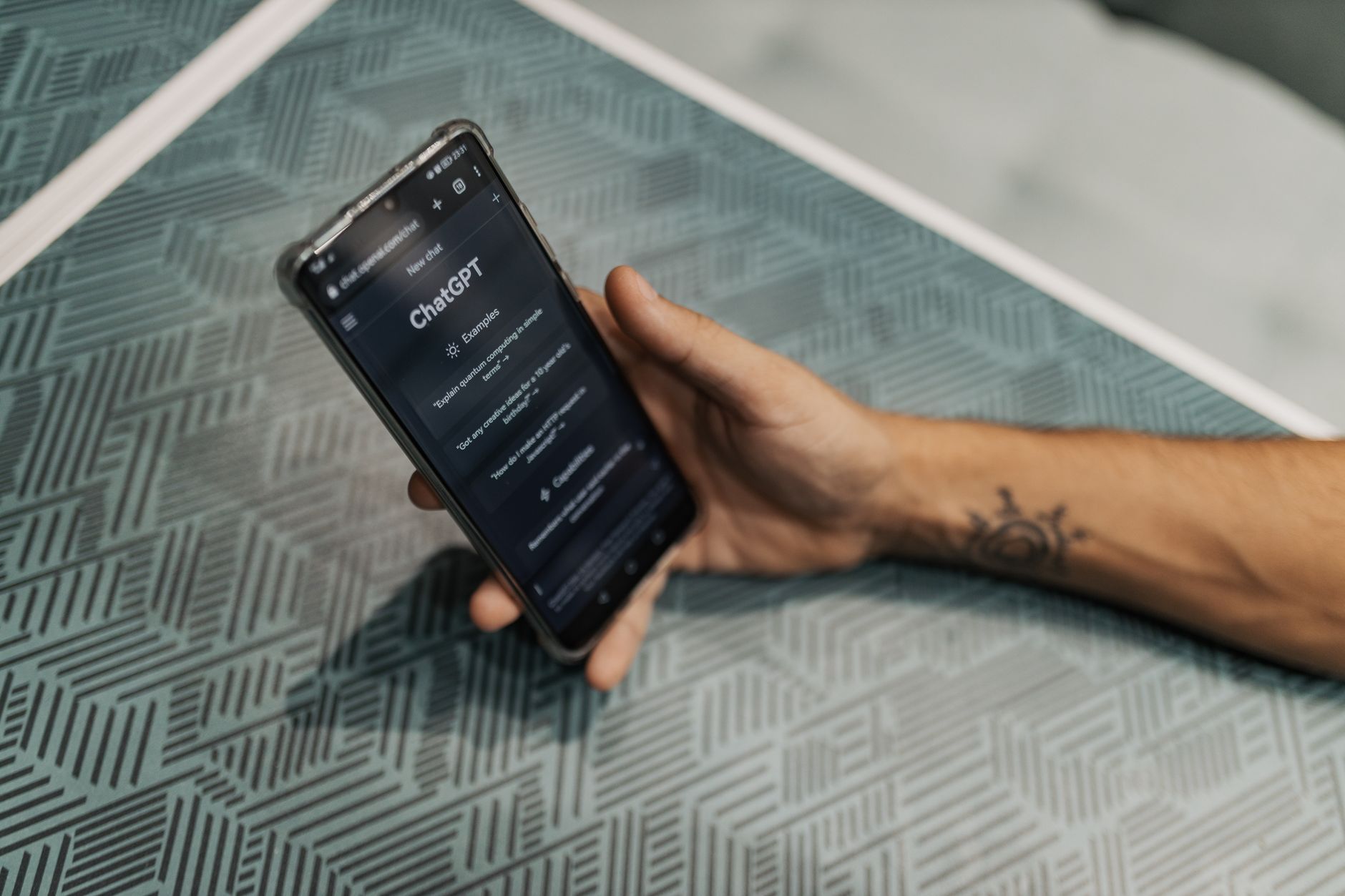
When you open the Android app, ChatGPT behaves like a fast intern who can draft, edit, explain, and list. You do not need to learn any commands. Type something like ‘rewrite this landlord email so it sounds firm but polite’ and it gives you three options. It can also take a photo of your fridge and suggest meals, summarize a PDF from your email, or talk through a problem out loud. For dozens of realistic examples, see our ChatGPT personal use ideas.
The free tier is genuinely useful but it has a visible ceiling. Free users get access to a smaller, faster model called GPT-4o mini and a limited number of messages with the stronger GPT-4o model. When you hit the limit, the app drops you to the smaller model. The paid plan, ChatGPT Plus, is $20 per month as shown on the OpenAI pricing page. That gets you more messages, priority speed, and higher-quality image generation.
For most everyday tasks, the free version is enough. The biggest drawback is not price. It is that ChatGPT can sound very sure while being wrong. Always double-check anything it says about health, money, or current events. If you are deciding whether to pay, read our breakdown of is ChatGPT Plus worth it.
Key strengths:
- ✅ Excellent writing and rewriting quality
- ✅ Free tier is strong for short daily tasks
- ✅ Can read photos, PDFs, and voice notes
- ✅ Simple Android app with no setup
- ✅ Plus plan removes most daily limits
- ❌ Free GPT-4o messages run out quickly
- ❌ Can produce confident but wrong answers
- ❌ $20 monthly plan is overkill for light users
Who it’s for: Choose ChatGPT if you want a general-purpose writing and thinking app and do not mind occasional wrong answers.
2. Gemini (Google): Best free Android built-in assistant
On most new Android phones, Gemini is already installed and waiting. Long-press the power button and it opens, reads your screen, or takes a voice command. That integration is the main reason it beats separate downloads. You can say ‘summarize this article’ while reading Chrome, or ‘add a reminder to buy oat milk.’
Google gives away a useful amount for free. Free users get Gemini 2.5 Flash, a fast model that handles everyday questions. Paid users can choose Google AI Pro at $19.99 per month, with access to stronger models and a very large context window. That term just means how much text the app can remember in one conversation. Google AI Pro includes a one-million-token context window, enough to read a long book in a single prompt. Details are on the Google AI page.
The drawback is that Gemini pushes you toward Google services. It works best if you use Gmail, Docs, Maps, and YouTube. If you rely on other apps, that integration is less helpful. The free tier also has daily limits that are not always obvious until you hit them. Still, for a no-download assistant, Gemini is the easiest starting point on Android.
Key strengths:
- ✅ Already built into many Android phones
- ✅ Free tier covers daily questions and commands
- ✅ Large context window in paid plan
- ✅ Voice and camera input work well
- ✅ Tight Google app integration
- ❌ Heavily tied to Google services
- ❌ Daily free limits can surprise you
- ❌ Writing tone less warm than Claude
Who it’s for: Choose Gemini if you want a free built-in assistant that already works with your Android and Google apps.
3. Claude by Anthropic: Best for thoughtful writing and long documents
Claude by Anthropic feels less like a search box and more like a careful editor. Ask it to rewrite an apology note and it will consider tone, pace, and unintended meanings. It is excellent for long documents. You can upload a 30-page PDF and ask, ‘What are the three arguments against this proposal?’ It reads them without losing the thread. Our Claude Pro review covers the paid version in detail.
The free tier includes roughly 45 messages every 5 hours for the current Claude model, according to Anthropic’s site. That is enough for light daily use. The paid plan, Claude Pro, costs $20 per month and lifts many limits. It also adds projects, where you can keep separate family, work, and side-project chats with their own files and instructions.
Claude has two clear weaknesses on Android. It does not generate images, and its free tier voice mode is not as polished as Gemini’s. It is also not built for real-time search unless you turn on web search. But if you write a lot or need help with school, legal, or medical summaries, it is the best plain-English communicator I tested.
Key strengths:
- ✅ Best writing tone and nuance
- ✅ Handles very long documents well
- ✅ Projects help separate life areas
- ✅ Strong at explaining complex topics
- ✅ Free tier is decent for light use
- ❌ No image generation
- ❌ Free voice mode feels basic
- ❌ Not ideal for quick real-time search
Who it’s for: Choose Claude if you care about writing quality, long documents, or clear explanations.
4. Perplexity: Best AI search with sources
Perplexity is an answer engine, not a chatbot. That means it searches the web and shows you the sources it used. When you ask ‘is it safe to eat leftover rice after five days,’ you get a direct answer with small numbered citations to health websites. This makes it easier to trust. It is especially useful for fact-checking news, comparing products, or doing school research.
The free tier gives you five Pro searches every 4 hours. A Pro search uses a stronger model that digs deeper. For most people, that is enough. Perplexity Pro costs $20 per month and removes the limit, gives you image generation, and lets you choose among models. Pricing is shown on Perplexity’s site.
The downside is that Perplexity is not built for long creative writing. It can draft an email, but it won’t match Claude or ChatGPT for tone. It also has less memory than ChatGPT or Gemini, so longer back-and-forth conversations can feel repetitive. For research with receipts, though, it is the clearest app on Android.
Key strengths:
- ✅ Shows sources for every answer
- ✅ Fast fact-checking and product research
- ✅ Free Pro searches are enough for many
- ✅ Simple no-clutter interface
- ✅ Good at current events
- ❌ Weaker at long creative writing
- ❌ Less conversational memory
- ❌ Paid plan needed for heavy daily research
Who it’s for: Choose Perplexity if you want answers with sources and do a lot of searching.
5. Microsoft Copilot: Best for free OpenAI access and Microsoft 365
Microsoft Copilot puts OpenAI models inside a free app tied to Microsoft. If you already use Word, Excel, or Outlook, Copilot can draft and summarize inside those apps. On Android, the standalone app also works as a chat assistant, image generator, and voice companion. The biggest draw is that the free tier often includes access to GPT-4o, the same model ChatGPT puts behind its Plus plan.
Free users get a limited number of boosted responses per day and reduced image generation. Copilot Pro costs $20 per month and removes many limits. It also adds wider use across Microsoft 365 apps. Microsoft lists the current plans on its Copilot page.
The main catch is how tightly it ties you to Microsoft. You need a Microsoft account, and the app nudges you toward Edge, Bing, and Microsoft 365. That can feel cluttered if you use Google apps. Free limits are also a moving target. Still, for free access to a powerful model, Copilot is worth keeping on your home screen.
Key strengths:
- ✅ Free tier includes strong OpenAI model
- ✅ Microsoft Office integration is useful
- ✅ Can generate images with text prompts
- ✅ Voice and chat work well
- ✅ One app covers many tasks
- ❌ Requires Microsoft account
- ❌ Pushes Microsoft services constantly
- ❌ Free daily limits can change
Who it’s for: Choose Microsoft Copilot if you want free OpenAI model access and already use Microsoft apps.
Frequently Asked Questions
Which AI app should I download first on Android?
Start with Gemini if your phone already has it. It is free, built in, and handles reminders, summaries, and questions. If you want better writing, add ChatGPT. If you need sourced answers, add Perplexity.
Are free AI apps good enough for everyday use?
Yes. For short questions, drafting, and summaries, free tiers are fine. Paid plans mostly remove limits, add image generation, and give you access to stronger models for heavy use.
Do any of these Android AI apps work offline?
Most require an internet connection because the heavy work happens on company servers. Gemini can save some basic requests offline, but full answers still need a connection.
Which AI app is best for privacy on Android?
Claude has a clearer privacy stance around not training on your data by default for some tiers, but all apps log prompts. Review each app’s privacy policy before uploading personal files. See the main article for more privacy considerations.
Is ChatGPT Plus worth it for Android users?
It depends on how much you use it. If you hit free message limits daily or want better image generation, the $20 per month plan can help. Casual users likely do not need it.
Can I use these apps to generate images on Android?
ChatGPT, Gemini, Copilot, and Perplexity Pro can create images from text prompts. Claude does not generate images. Free tiers often limit how many images you can make per day.
What Should You Remember?
- Start with Gemini: It is already on many Android phones and free for daily questions.
- Choose ChatGPT for writing: It drafts and rewrites messages better than most free apps.
- Use Perplexity for research: The app shows sources, so you can verify answers.
- Pick Claude for long documents: It handles large files and gives thoughtful explanations.
- Free tiers are enough: You do not need to pay $20 per month unless you hit limits.
- Check privacy settings: Any AI app can read what you type, so avoid sharing sensitive data.
This article is for general information only. AI tools, pricing tiers, and free limits change frequently, so verify current features and pricing on the vendor’s own site before committing. Some links may be affiliate links that support this site at no cost to you.