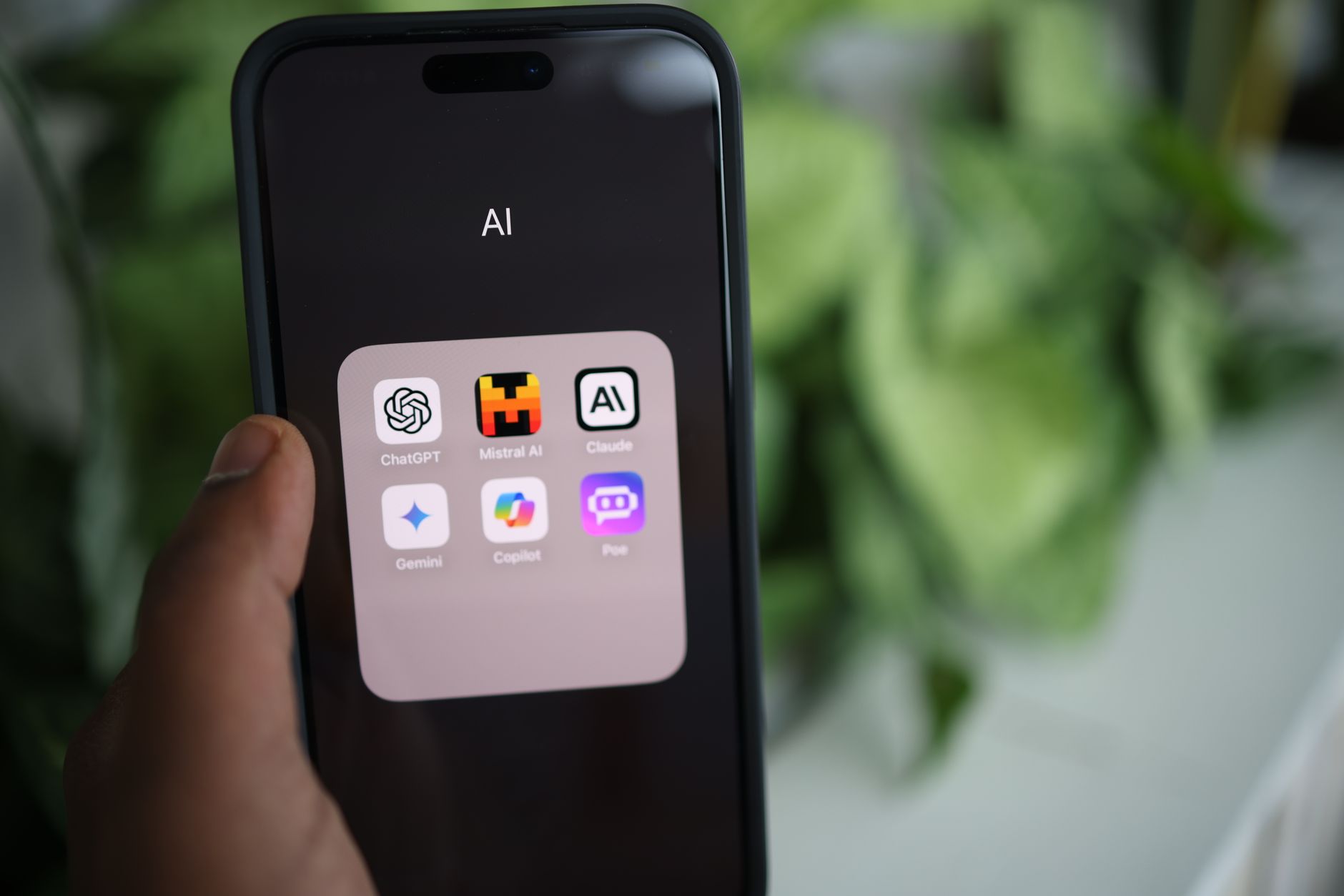
The iPhone is the easiest place to start with AI in 2026. You do not need a new device, coding skills, or a big budget. The best AI apps now run right from your home screen. They can plan meals, answer questions, rewrite texts, and help you learn new topics. I tested them as a normal person, not as a tech expert. This guide compares five apps I actually use weekly. I looked at free limits, paid plans, and everyday tasks. Most of these apps work in under a minute. For more on how AI fits into daily routines, read our guide to using AI in daily life.
I downloaded and used each app on an iPhone 16 running iOS 19. I tested the same real-world tasks on every app: creating a weekly meal plan with dietary restrictions, drafting an email to a landlord, summarizing a long article, and answering a question that needs current facts. I checked pricing on each vendor’s official site. Free tier limits matter because most people will not pay right away. Prices change, so I link to official pricing pages where possible. This article focuses on practical everyday uses, not advanced features.
Why this matters now: Apple now has its own AI tools built into iOS, but third-party apps often do more. Apple Intelligence handles Siri requests and photo editing, but OpenAI’s ChatGPT app, Anthropic’s Claude, Google’s Gemini, Perplexity, and Microsoft Copilot all offer more depth. You do not need to use just one. Many people keep two or three. But if you are new, you want one primary app. This comparison helps you choose. Also see our roundup of free AI tools in 2026 if you want to test before paying.
I will be direct about downsides. Free tiers have hidden limits. Paid plans are not always worth it for casual users. Some apps collect more data than others. I read privacy pages and usage limits. The goal is to save you time and money. For example, I found that ChatGPT’s free image generation is now limited to a couple of images per day, while Claude’s free tier slows down during peak hours. These details matter. Let us start with the comparison table, then each app review. After the table, I break down the pros, cons, and who each app is for.
How Do the Top Options Compare?
| App | Best For | Free Tier | Paid Plan | Key Strength |
|---|---|---|---|---|
| ChatGPT | All-around help and image creation | Limited newest model access, few image generations daily | $20/month Plus | Versatile assistant |
| Claude | Writing and long documents | Limited messages every 5 hours | $20/month Pro | Natural writing tone |
| Gemini | Google Workspace users | Standard model access, watermarked image gen | $19.99/month Google One AI Premium | Google app integration |
| Perplexity | Quick research with sources | Unlimited basic searches, limited Pro searches | $20/month Pro | Cited answers |
| Copilot | Free image generation and Office users | Generous free image generation, OpenAI models | $20/month Copilot Pro | Free image creator |
Prices and free limits change often. Check each vendor’s site for current details. Free tier limits were tested in early 2026 on an iPhone 16 running iOS 19.
1. ChatGPT: All-around everyday help and image generation
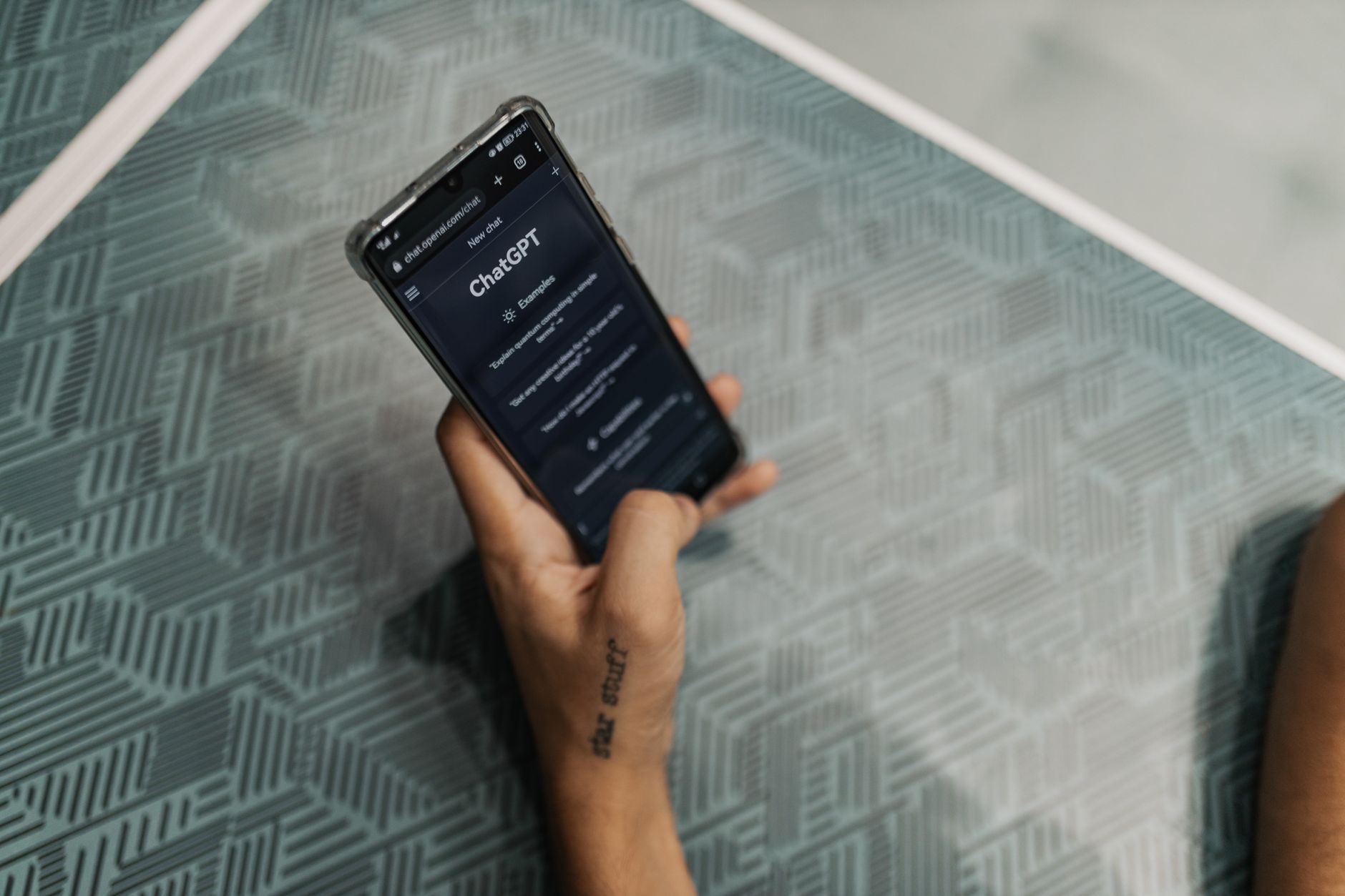
ChatGPT is the default AI app for most people. It runs on OpenAI’s models, and the iPhone app is fast and simple. You can type, talk, or upload a photo. It handles questions, writing, planning, and coding help. The free tier gives you a lot, but OpenAI now limits the newest model and image generation for free users. I hit the image limit on day one. According to the OpenAI pricing page, ChatGPT Plus costs $20 per month. That plan removes many caps and gives priority access during busy times. For more ways to use it, check our ChatGPT personal use ideas.
In my tests, ChatGPT was best at following multi-step instructions. I said: “Create a 5-day dinner plan for a family of four. We do not eat pork. Two dinners must be vegetarian. Make a shopping list grouped by store section.” It returned a clean table and a list. The free version handled this fine. When I asked it to rewrite a terse email to a landlord, it made the tone polite but firm. ChatGPT also excels at explaining things in plain language. I asked it to explain what a high-yield savings account is, and it gave a clear, two-paragraph answer without jargon.
The image feature is useful but limited on free. I uploaded a photo of a plant with yellow leaves and asked what was wrong. It identified overwatering and gave steps to fix it. That is genuinely helpful. But free image generation now only allows a couple of images per day. If you want to make custom images for a birthday invitation, you will hit the limit quickly. ChatGPT Plus removes that cap for most normal use, but $20 per month is not cheap unless you use it daily. Our is ChatGPT Plus worth it? article breaks down the value.
Key strengths:
- ✅ Strong all-around performance for questions, writing, and planning.
- ✅ Free tier includes the core chat experience with no setup.
- ✅ Image upload and generation available even on free.
- ✅ Voice mode works well for hands-free tasks.
- ❌ Free tier has strict limits on the newest model and image generation.
- ❌ Privacy settings require you to opt out of training data manually.
- ❌ Paid plan feels expensive if you only use it occasionally.
Who it’s for: Choose ChatGPT if you want one app that does nearly everything for everyday tasks.
2. Claude: Writing, longer documents, and nuanced tone

Claude by Anthropic is the app I recommend for writing projects. It reads long documents and writes with a natural, human tone. The free tier includes a limited number of messages every five hours. The exact limit changes, but it is enough for a few tasks per day. Anthropic lists Claude Pro at $20 per month. That plan raises the usage limit to roughly five times the free amount. If you write emails, essays, or social posts, Claude is excellent. Our Claude Pro review goes into detail on whether the paid version is worth it.
I tested Claude with a messy shopping list from a photo. It turned the list into a clean, ordered text and even pointed out that I had written “milk” twice. That kind of attention is helpful. Claude’s best feature is document handling. You can paste a long article or upload a PDF and ask it to summarize the main points. It handles long contexts better than most. When I gave it a 3,000-word article, it returned a summary with five bullet points and a short takeaway.
The downside is speed. Claude can feel slower during peak hours, especially on free. It also does not have a built-in image generator at the same level as ChatGPT. You can view images and read text from photos, but it will not create images for you. For image creation, ChatGPT or Copilot is better. But for writing, Claude is often the most natural. I also use it to draft difficult text messages. It suggests phrasing that does not sound like a robot wrote it.
Key strengths:
- ✅ Excellent writing quality and tone control.
- ✅ Handles long documents and PDFs well.
- ✅ Free tier includes useful features for light use.
- ✅ Strong at following nuanced instructions.
- ❌ Free message limits reset every five hours, which can interrupt work.
- ❌ No native image generation.
- ❌ Slower during peak times on free tier.
Who it’s for: Choose Claude if you write often and want a more human-sounding assistant.
3. Google Gemini: Google Workspace users and cross-platform convenience
Google’s Gemini app is built into Google services, but the standalone iPhone app works well too. If you live in Gmail, Google Calendar, or Google Drive, Gemini is the natural fit. It can pull up your schedule, draft emails, and answer questions. The free version includes access to Google’s models with standard limits. Google’s AI page lists Gemini Advanced, which is part of a Google One AI Premium plan, at $19.99 per month. But for iPhone users who do not use Google apps heavily, Gemini is less essential. Still, it is a strong general assistant.
In my test, Gemini was the best at real-time information. I asked for the weather in three cities for a weekend trip and it returned a clean table with current forecasts. It also gives sources for many answers, similar to Perplexity. The Google connection helps with tasks like “What gate is my flight at?” if you forward your booking email to Gmail. But that integration is more useful on Android and desktop. On iPhone, you will still need to open Gmail separately sometimes.
Gemini’s free tier includes some image generation, but it is often watermarked or limited. The voice mode is decent. I used it to practice Spanish by speaking into the app. It corrected my pronunciation and suggested better words. If you want to save time with daily planning, our use AI to save time guide has more ideas. Gemini’s downside is that it can feel scattered when you ask it to switch contexts quickly. It sometimes loses the thread in long chats.
Key strengths:
- ✅ Tight integration with Gmail, Calendar, and Drive.
- ✅ Good at real-time information and source links.
- ✅ Free tier includes solid voice mode.
- ✅ Works smoothly across devices.
- ❌ Best features assume you use Google Workspace heavily.
- ❌ Free image generation has watermarks and limits.
- ❌ Less polished for creative writing than Claude.
Who it’s for: Choose Gemini if you live in Google apps and want an assistant that knows your schedule.
4. Perplexity: Quick research with source citations
Perplexity is an answer engine, not a chat app. You ask a question, and it returns an answer with numbered sources. It is the app I use for anything that requires current facts. For example, I asked, “What are the latest iPhone 16 deals at major carriers?” It returned a summary with links to Verizon, AT&T, and T-Mobile pages. The Perplexity website shows a free tier and a Pro plan at $20 per month. Free users get a limited number of Pro searches per day, but basic searches are unlimited. That is a good deal for casual research.
Perplexity shines when you need to verify claims. It pulls from multiple web sources and lists them. You can tap a source to read the original. That makes it harder to get fooled. I used it to check a viral health claim about apple cider vinegar. It returned a balanced answer with citations from medical sites. It did not give medical advice, but it gave enough context to understand the claim. This is different from ChatGPT, which sometimes answers confidently without sources. For privacy or verification, our AI privacy guide explains what data different apps collect.
Perplexity is not the best for writing or creative tasks. It can draft a short email, but it will not match Claude’s tone. It also has a smaller memory. Long conversations can break down. But for fast answers and research, nothing on iPhone beats it. I now use Perplexity for product comparisons and travel planning. Instead of reading ten blog posts, I get a sourced answer in seconds. That is a real time-saver for everyday decisions.
Key strengths:
- ✅ Answers include clickable sources.
- ✅ Free tier allows unlimited basic searches.
- ✅ Great for current news and fact-checking.
- ✅ Clean, fast interface.
- ❌ Not ideal for creative writing or long documents.
- ❌ Free Pro searches are limited daily.
- ❌ Less personality than ChatGPT or Claude.
Who it’s for: Choose Perplexity if you want quick, cited answers for research and shopping.
5. Microsoft Copilot: Office users and free image generation
Microsoft Copilot is the most generous free AI app on iPhone. It includes image generation through Microsoft Designer at no cost, with a higher daily limit than ChatGPT’s free tier. You can also use it for chat, writing, and summaries. The free version uses OpenAI models and includes some advanced features. A paid Copilot Pro plan exists at $20 per month, but the free tier is enough for many people. Microsoft’s own site lists the current plans. The catch is that the app pushes Microsoft products hard, which can be annoying.
I tested Copilot’s image generator by asking for a birthday party invitation with a llama theme. It created four images in under a minute, free and without a watermark. That is better than ChatGPT’s free cap. Copilot also works well for simple writing tasks. I asked it to write a thank-you note for a job interview, and it produced a warm but professional message. The interface is clean, but it frequently suggests opening Word or Edge. On iPhone, that is less useful unless you already use Microsoft 365.
For everyday planning, Copilot is solid but not as sharp as ChatGPT or Claude. It can build a meal plan or trip itinerary, but the reasoning can be shallower. The privacy story is mixed. Copilot logs conversations and uses them to improve products, with some opt-out settings. If privacy matters, read our AI privacy guide before signing in. Despite the Microsoft push, free image generation makes Copilot a worthy app to keep in your folder. Many productivity tasks also work better with intentional planning.
Key strengths:
- ✅ Free image generation with higher limits than ChatGPT free.
- ✅ Includes access to OpenAI models without paying.
- ✅ Good for quick drafts and summaries.
- ✅ Works with Microsoft 365 if you already subscribe.
- ❌ Constantly promotes Microsoft products.
- ❌ Weaker reasoning on complex multi-step tasks.
- ❌ Conversation history may be used for training with limited opt-out.
Who it’s for: Choose Copilot if you want free image generation and already use Microsoft apps.
Frequently Asked Questions
Which AI app is best for iPhone in 2026?
For most everyday users, ChatGPT is the best all-around choice. Claude is better for writing, Perplexity for research, Gemini for Google users, and Copilot for free image generation.
Is ChatGPT free on iPhone?
Yes, ChatGPT has a free tier for basic chat and limited image generation. The paid plan costs $20 per month and removes many caps.
What is the best free AI app for iPhone?
Microsoft Copilot offers the most generous free features, including higher image generation limits. Perplexity has unlimited basic searches. ChatGPT and Claude also have solid free tiers.
Can I use multiple AI apps on iPhone?
Yes, you can install and use several AI apps. Many people use one for writing, one for research, and one for images.
Do AI apps work offline on iPhone?
Most AI apps require an internet connection because they run on cloud servers. Some basic features may be limited offline.
Is my data private in AI apps?
Privacy varies. Many apps use conversations to improve models unless you opt out. Check each app’s settings and privacy policy.
What Should You Remember?
- Best overall: ChatGPT handles the widest range of everyday tasks.
- Best writing: Claude produces the most natural long-form writing.
- Best research: Perplexity gives cited answers with source links.
- Best free images: Microsoft Copilot has the most generous free image generation.
- Best Google integration: Gemini ties into Gmail, Calendar, and Drive.
- Free tier reality: All free tiers have hidden limits, so check daily caps.
This article is for general information only. AI tools, pricing tiers, and free limits change frequently, so verify current features and pricing on the vendor’s own site before committing. Some links may be affiliate links that support this site at no cost to you.