If you have ever felt lost choosing an AI app, you are not alone. In 2026 the choices are fewer than you think, but the differences matter. Some apps write better. Some apps search the web with sources. Some apps act like a helper inside tools you already use. This guide compares the four AI apps most normal people actually use for daily life. We look at free tiers, paid plans, and the tasks each one solves best. Before you decide on a monthly subscription, read our guide on how to use AI in daily life to see what these tools can do for your routine.
We tested each app on common personal tasks. That includes writing recipes, summarizing long PDFs, planning a budget, explaining a medical term, and drafting a tricky email. We also checked pricing pages directly. The OpenAI pricing page shows current ChatGPT plans. The Anthropic pricing page lists Claude tiers. We paid attention to hidden limits, not just monthly cost. A cheap plan is not a good deal if it runs out after five messages. Free tiers are often enough for light use. But if you use AI daily, limits hit fast. That makes the paid plans harder to compare. A careful choice saves both time and money.
Why does this matter in 2026? Free AI tools have become surprisingly good, but they still limit heavy use. If you use an AI app for more than a few quick questions a day, you may run into caps. Paid plans remove some caps but not all. Some apps charge $20 per month. Others bundle storage with the price. Your best choice depends on the tasks you repeat. If you are still deciding whether paid ChatGPT is worth it, see our is ChatGPT Plus worth it breakdown. A wise choice saves both time and money each month. Free options remain useful for light tasks, but daily users will feel the limits quickly.
One more note before the comparison. AI apps can read whatever you paste or upload. If you use them for medical, financial, or family documents, read our AI privacy guide first. You can also save time by connecting these apps to your weekly planning. Simple automations take a few minutes to set up. Start with the free tier of each app before spending any money. You will notice the differences within a week. Many people do not need more than one paid AI app. If you only tackle one or two tasks, one subscription is plenty. A careful choice beats paying for two subscriptions you rarely use.
How Do the Top Options Compare?
| App | Best For | Free Tier | Paid Tier | Standout Feature |
|---|---|---|---|---|
| ChatGPT | Everyday writing and voice help | Yes, limited GPT-4o mini | Plus $20 per month | Voice and image help |
| Claude | Long documents and nuanced writing | Yes, limited | Pro $20 per month | Large context window |
| Gemini | Google users and bundled storage | Yes, limited | Advanced $19.99 per month | Works inside Gmail and Docs |
| Perplexity | Fast cited answers | Yes, limited | Pro $20 per month or $200 per year | Source links on every answer |
Prices and free tier limits change often. Check vendor pricing pages before you subscribe. Free tier usage may vary by region and demand.
1. ChatGPT: Best all-around personal assistant for writing, voice, and quick help
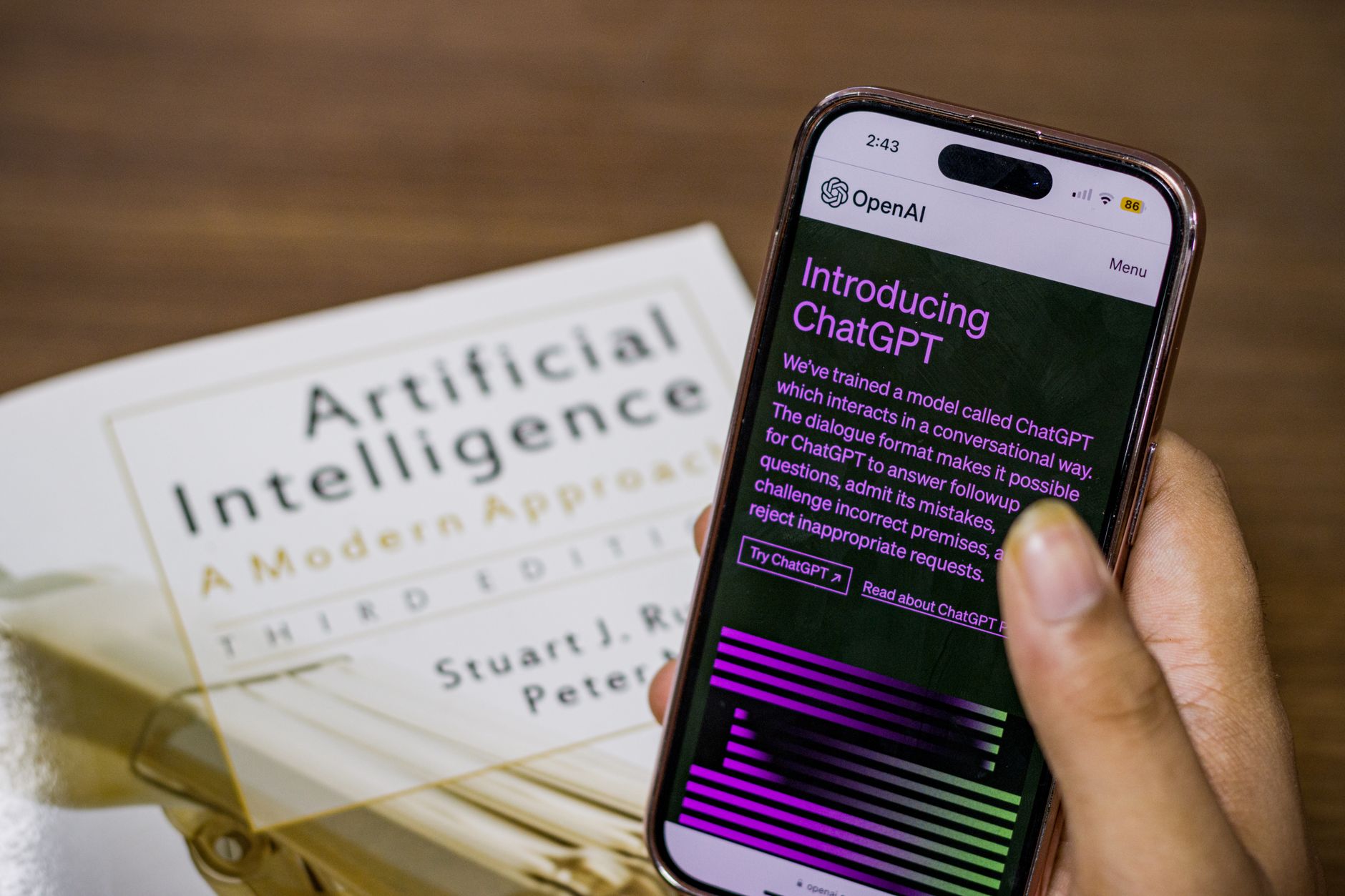
ChatGPT is still the default choice for most people, and for good reason. You can type a question, speak to it, upload an image, or ask it to read a file. The free plan gives you access to a smaller model. Paid Plus costs $20 per month and gives you more advanced models, longer conversations, and priority access when servers are busy.
For daily life, ChatGPT shines at email drafts, recipe ideas, learning plans, and quick explanations. Tell it your dietary restrictions and it builds a week of dinners. Ask it to explain a confusing insurance letter in plain English. It handles those tasks faster than you would expect. If you need a pile of specific examples, read our ChatGPT personal use ideas guide.
The biggest downside is that free users hit limits quickly. ChatGPT Plus does not remove every limit. Long chats can still slow down. And ChatGPT is not always the best at long documents. Claude often handles that better. Still, for most everyday tasks, ChatGPT is the easiest starting point.
Key strengths:
- ✅ Strong all-around performance for writing, planning, and daily questions.
- ✅ Voice mode feels natural for hands-free help while cooking or driving.
- ✅ Free tier is enough to try the basics without paying.
- ✅ Can read uploaded files and images on paid plans.
- ❌ Free tier limits heavy use quickly.
- ❌ Long document analysis can be less detailed than Claude.
- ❌ Some advanced features require the $20 Plus plan.
Who it’s for: Choose ChatGPT if you want one AI app that handles most everyday needs without switching tools.
2. Claude: Best for long documents, nuanced writing, and careful explanations
Claude, made by Anthropic, wins when you need depth over speed. It handles long PDFs, contracts, and essays with less hand-waving. The free plan gives you limited use. Claude Pro costs $20 per month and raises your usage limits. You can confirm the details on the Anthropic pricing page.
One of Claude’s strengths is a large context window. That phrase means how much text the model can keep in mind at once. You can paste a 30 page lease or a dense medical report and ask for a plain language summary. It often catches details other apps skip. This makes Claude a strong pick for family paperwork, personal finance statements, or any task where accuracy matters. Our Claude Pro review goes deeper into what the paid plan actually opens up.
Claude is also a better writer for sensitive messages. It sounds more human and less robotic. If you need to write a difficult note to a landlord or a school teacher, Claude tends to strike the right tone. The tradeoff is speed. Claude can feel slower and more careful. It also does not have the same range of voice and image features as ChatGPT.
Key strengths:
- ✅ Excellent at summarizing long documents and contracts.
- ✅ Nuanced, natural writing tone for sensitive emails.
- ✅ Generous context window for pasting large files.
- ✅ Pro plan costs $20 per month, same as ChatGPT.
- ❌ Free tier limits message length and usage more strictly.
- ❌ Voice mode and real-time image help are weaker than ChatGPT.
- ❌ Slower responses when working with long documents.
Who it’s for: Choose Claude if you regularly read long PDFs, write sensitive messages, or need careful summaries.
3. Gemini: Best value for people who live inside Google apps

Gemini is Google’s AI assistant, and it is already built into Gmail, Docs, and Android phones. The free version is surprisingly capable for quick searches and simple writing. Gemini Advanced costs $19.99 per month and includes Google One AI Premium, which gives you 2TB of storage. Google lists current pricing on its AI site.
Because Gemini lives inside Google Workspace, it can summarize your email threads or rewrite a Google Doc without copying text between apps. That saves real time if you already use Gmail and Drive. It can also pull in current information from Google Search. The free version includes basic access, but heavy use asks you to upgrade.
Gemini’s weakness is personality. Its writing can feel a bit flat and generic compared to Claude. It is also less flexible with long, messy documents. But for the price, especially if you use Google storage, it is hard to beat. You get an AI assistant plus 2TB of cloud storage for $19.99. That storage alone often costs $9.99 per month.
Key strengths:
- ✅ Bundles 2TB Google storage with the $19.99 monthly plan.
- ✅ Works inside Gmail, Docs, and Android without extra setup.
- ✅ Strong search-backed answers through Google.
- ✅ Free tier is useful for quick daily questions.
- ❌ Writing style can feel generic and less human.
- ❌ Long document analysis is not as strong as Claude.
- ❌ Some features require switching between Google apps.
Who it’s for: Choose Gemini if you want an AI assistant tightly connected to Gmail, Drive, and Android.
4. Perplexity: Best for fast, cited answers and web research
Perplexity is different. It acts more like a search engine with an AI summary. You ask a question, and it gives you an answer with links to sources. For everyday personal use, that means you can verify where a fact came from. Free tier is available. Perplexity Pro costs $20 per month or $200 per year. You can check the Perplexity pricing page for current tiers.
Use Perplexity for anything that needs current information. Ask it which dishwasher has the best repair record. Ask it to compare local internet providers. It will return a short answer plus source links. That makes it a strong alternative to a traditional Google search. If you want other free options, our free AI tools 2026 article compares more choices.
Perplexity is not the best tool for writing long-form content or summarizing messy PDFs. It prefers questions and answers. The Pro plan adds stronger models and more daily searches. But for most people, the free tier is enough for occasional research. If you already pay for ChatGPT Plus, you may not need another $20 subscription.
Key strengths:
- ✅ Gives cited answers so you can verify facts.
- ✅ Great for quick research, product comparisons, and current events.
- ✅ Free tier is genuinely useful for everyday questions.
- ✅ Pro plan allows more searches and stronger models.
- ❌ Not as strong for writing long emails or creative drafts.
- ❌ Free tier limits the number of searches per day.
- ❌ Another $20 subscription may feel redundant if you pay for ChatGPT.
Who it’s for: Choose Perplexity if you want fast answers with sources and do not need long-form writing help.
Frequently Asked Questions
Which AI app is best for personal use in 2026?
ChatGPT is the best all-around pick for most people. It handles writing, planning, voice help, and quick research well. Claude is better for long documents, Gemini is better for Google users, and Perplexity is better for cited answers.
Can I use these AI apps for free?
Yes. All four apps have free tiers. Free plans limit how many messages or searches you can run per day and may use smaller models. Paid plans start around $20 per month.
Is ChatGPT Plus worth the $20 monthly price?
For many people, yes. ChatGPT Plus removes many free tier limits and gives access to stronger models and voice features. If you only ask a few questions per week, the free plan may be enough. Our ChatGPT Plus guide breaks down the tradeoffs.
Which AI app is safest for personal documents?
No mainstream AI app is fully private. All vendors process your prompts on their servers. Claude and ChatGPT let you turn off chat history training in settings. For sensitive medical or financial documents, read our privacy guide first.
What is the best AI app for meal planning and daily tasks?
ChatGPT and Gemini both handle meal planning, grocery lists, and daily scheduling well. Tell ChatGPT your dietary restrictions and it can build a week of dinners. Gemini works inside Google Calendar and Gmail for reminders.
How much does Claude Pro cost?
Claude Pro costs $20 per month. It gives you about five times more usage than the free plan and access to the latest Claude models. Check the Anthropic pricing page for current limits.
What Should You Remember?
- Free tiers let you test every app without paying, but they cap daily messages or searches.
- ChatGPT Plus at $20 per month is the best all-around paid plan for most personal use.
- Claude Pro also costs $20 per month and wins for long documents and sensitive writing.
- Gemini Advanced costs $19.99 per month and includes 2TB of Google storage.
- Perplexity Pro costs $20 per month or $200 per year and focuses on cited answers.
- Privacy matters more than price. Read the AI privacy guide before uploading personal files.
This article is for general information only. AI tools, pricing tiers, and free limits change frequently, so verify current features and pricing on the vendor’s own site before committing. Some links may be affiliate links that support this site at no cost to you.